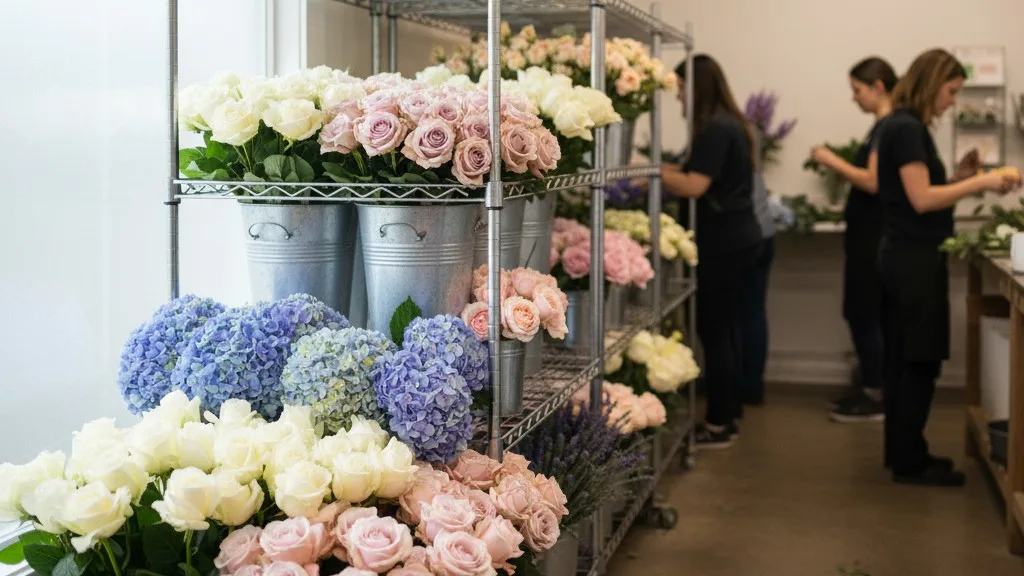

You might be using a general point-of-sale system because it was simple to set up or what you already knew. But a flower shop isn't like other retail businesses, and you've likely felt the friction of trying to fit a unique workflow into a generic box. Your business is part creative studio, part manufacturing hub, and part complex delivery service, and software that doesn't understand this can cause more problems than it solves.
This guide explains the critical functions that standard POS systems miss and why dedicated flower shop software is essential for smooth operations. We'll walk through the specific, daily challenges that only a floral-focused system can truly handle, from taking a detailed order to managing a driver's route and reconciling a major event.
The Complex Reality of a Floral Order
For most retailers, an order is simple: a customer buys a specific, pre-made item. For a florist, an order is a project. It begins with a conversation and becomes a custom-made product that needs to be created, tracked, and delivered at a specific time, to a specific place, with a personal message.
A general POS might have a notes field, but it falls apart when trying to capture the essential details of a floral order. Where does the card message go? How do you flag a specific delivery time for a funeral service? How do you note a substitution preference or an allergy concern? Florists often resort to paper tickets, separate spreadsheets, or a chaotic mix of sticky notes, creating multiple points of failure where information can be lost.
Dedicated flower shop software is built around this complexity. It provides structured fields for every critical piece of information:
- Recipient Information: Name, address, and phone number, distinct from the sender.
- Card Message: A dedicated field that is formatted correctly for printing on an enclosure card.
- Delivery Details: Date, time window, and special instructions for the driver (e.g., "leave on porch if no answer," "call upon arrival").
- Occasion: Birthday, Anniversary, Sympathy, etc., which can help with future marketing and reporting.
- Product and Substitution Notes: Capturing requests like "no lilies" or "designer's choice, bright colors" separate from the core order.
By providing a single, reliable place for all order details, the software ensures that the person taking the order, the designer creating it, and the driver delivering it all see the same correct information. This reduces errors, saves time spent tracking down details, and results in a better experience for your customer.
Managing Recipes, Not Just SKUs
A standard retail POS thinks in terms of stock-keeping units (SKUs). You have 50 blue widgets in stock. When you sell one, you have 49. This model breaks down completely for a florist. Your signature "Sunrise Bouquet" isn't a single item; it's a recipe of stems, greens, a vase, and labor.
Trying to manage this with a general POS is nearly impossible. You can't track the consumption of individual stems when an arrangement is sold. This makes accurate inventory management a guessing game, leading to over-ordering, waste, and uncertainty when pricing jobs. How many roses do you really have in the cooler? How many did you use for comped arrangements or walk-in bouquets last week? A generic system can't tell you.
Floral-specific software introduces the concept of recipes. For each arrangement you sell, you can define the components:
- 3 stems of 'Freedom' roses
- 2 stems of white hydrangeas
- 1 bunch of eucalyptus
- 1 'Classic' glass vase
When you sell this arrangement, the software can automatically deduct the components from your raw inventory. This gives you a much clearer picture of what you have on hand and what you need to order. It transforms your inventory from a vague estimate into actionable data. While no system can be perfect without diligent tracking, a recipe-based approach provides the foundation for smarter purchasing and reduced waste. It also helps ensure consistency in your designs and pricing, as every designer is working from the same set of instructions.
The Intricacies of Floral Deliveries
For most retailers, "delivery" means printing a shipping label and handing a box to a third-party carrier. For a florist, delivery is a core part of the service and a major logistical challenge. You are running a local, time-sensitive logistics operation with your own vehicles and drivers.
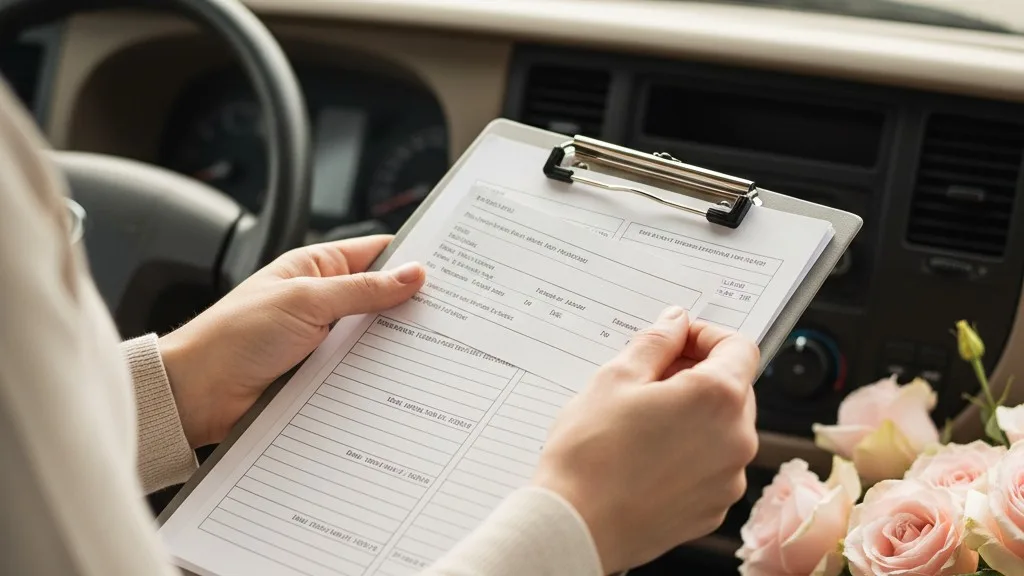
A general POS has no concept of this. It can't help you group orders by neighborhood, plan an efficient route for a driver, or confirm that a delivery has been made. Shops are often forced to use separate mapping tools, print out stacks of paper, and manually text customers, a process that is inefficient and prone to error. What happens when a customer calls to ask where their order is? The person answering the phone has to interrupt the driver to find out, disrupting the entire delivery flow.
Dedicated flower shop software is built with a delivery module that addresses these specific needs:
- Delivery Zones and Fees: Set up custom delivery zones based on zip codes or map boundaries, with corresponding fees that are automatically added to an order.
- Route Planning: Group all deliveries for a specific day and assign them to a driver. The system can then help optimize the route to save time and fuel.
- Driver Manifests: Generate a clear list for the driver with all necessary recipient information, addresses, and special instructions for each stop.
- Delivery Confirmations: Allow drivers to mark orders as delivered, sometimes with an option to capture a photo confirmation. This information is updated in the central system, so anyone in the shop can answer a customer's query instantly.
Some systems, like Orkyd, can also send automated SMS notifications to customers when their order is out for delivery or has been completed. This level of coordination is simply impossible with a generic POS and a collection of unrelated apps.
Handling Weddings and Events
Managing a wedding or large event is one of the most complex and profitable parts of running a flower shop. It involves proposals, contracts, multiple payments, and coordinating dozens of distinct floral pieces for different locations and times. A retail POS is not equipped for this project-based work.
Using a general system for events often means falling back on word processing documents for proposals, separate invoicing software, and manual calendar reminders. This fragmented approach makes it easy to lose track of details, misquote a price, or miss a payment deadline. The administrative burden can quickly eat into the profitability of the event.
Specialized floral software provides integrated tools for event management. It understands that an event is a collection of smaller orders and tasks. Features often include:
- Proposals and Contracts: Build detailed, itemized proposals within the system, including inspiration photos and descriptions. Once approved, you can convert the proposal into a contract and send it for an electronic signature.
- Payment Schedules: Set up a schedule of payments—a deposit, a midpoint payment, and a final balance—and automate reminders to the client.
- Itemized Production Lists: The system should allow you to see a consolidated list of every single item needed for the event, from the bridal bouquet to the 12 centerpieces and the cake flowers. This becomes the master plan for your design and purchasing team.
- Tear-Down and Rental Tracking: Flag items that need to be picked up after the event, such as vases, arches, or other rental items, ensuring you get your valuable inventory back.
By managing the entire event lifecycle in one place, you maintain control and clarity. It allows you to focus on the creative execution rather than being buried in administrative work. It also provides a professional and organized experience for your client, which is crucial when dealing with high-stakes events like weddings. Helping clients understand costs is a key part of this, a topic explored further in our guide to wedding flower budgets.
Customer Relationships and History
A great local florist remembers their customers. They remember the anniversary, the favorite flower, the last sympathy arrangement sent. This personal connection is a huge advantage over mass-market competitors. A general POS might store a customer's name and email, but it lacks the context that makes this information powerful.

When a customer calls, you want to be able to see their entire history at a glance. What did they send to their mother last year for her birthday? Who did they send a funeral arrangement to six months ago? A generic system, focused on single transactions, doesn't link senders and recipients in a meaningful way. The history is tied to the buyer, but the crucial information about the recipient and occasion is buried in a note, if it was captured at all.
Flower shop software is designed to manage these relationships. It maintains separate profiles for senders and recipients and links them through orders. This allows you to:
- View Sender and Recipient History: Quickly look up a customer and see every order they've placed, including who it went to, what they sent, and the card message.
- Manage Standing Orders: Easily set up recurring orders for corporate clients or individuals who want flowers delivered weekly or monthly.
- Offer Personalized Service: When a customer calls and says, "I want to send the same thing I sent last time," you can find that order in seconds, without having to ask them to look it up in their email.
This capability turns your customer list from a simple marketing database into a powerful tool for building loyalty and providing truly personal service.
Connecting with Other Business Systems
Your POS system should be the hub of your shop's operations, but it doesn't work in isolation. It needs to connect smoothly with your accounting software and your online store. For many florists using generic systems, this connection is a painful, manual process.
At the end of each day or week, someone has to export sales data and manually enter it into the accounting software. This is tedious, time-consuming, and a common source of errors. Similarly, orders from a basic e-commerce website often have to be manually re-entered into the POS, creating double work and the risk of transcription mistakes.
Modern flower shop software solves this by offering direct integrations. A system like Orkyd, for example, can sync directly with QuickBooks Online, automatically sending over sales and payment information, which saves hours of manual bookkeeping. It can also power a customizable webstore, meaning that online orders flow directly into your main workflow without any manual entry. This seamless integration is a core principle behind why we built software for the real flower shop workflow.
For florists who work closely with funeral homes, there's another layer of integration that general software could never provide. Orkyd, for instance, was built by a company with deep roots in the funeral industry and can connect directly with funeral home management software. This allows a funeral director to place a flower order for a service directly into the flower shop's system, ensuring all the details are transmitted accurately and instantly.
Choosing the Right Tool for the Job
Running a flower shop is a demanding business that requires artistry, empathy, and operational discipline. The tools you use should support your unique workflow, not fight against it. While a general POS can handle a simple cash transaction, it fails to address the core complexities of floral work—from custom orders and recipes to delivery logistics and event management.
Switching systems can feel like a daunting task, but the long-term benefits of using software designed for your industry are immense. It reduces errors, saves countless hours of administrative work, provides better data for decision-making, and ultimately frees you up to focus on what you do best: creating beautiful arrangements and connecting with your customers.
If you're tired of fighting with a system that doesn't understand your business, it might be time to see what a difference a dedicated floral POS can make. Orkyd was built by a family with generations of experience serving their community, and it's designed to handle the real-world challenges of a busy flower shop. To see how it works, we invite you to book a free, no-pressure demo.